Why
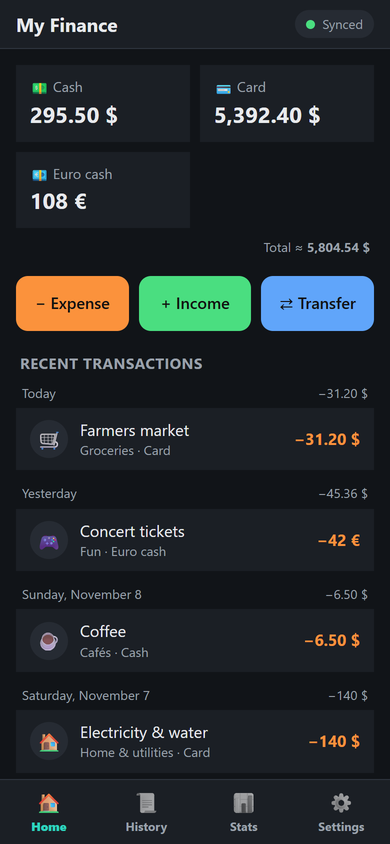
I wanted a quick way to record where my money goes: cash, card, a second currency. Ready-made apps either want a cloud account or are packed with features I don't use. So I built my own: the data lives only on my PC and phone.
What it does
- Expense, income, transfer in two taps. You can type the amount as an expression:
120+45. - Accounts in different currencies. You pick the main currency; the rest are converted at your rates. A rate updates itself when you record an exchange.
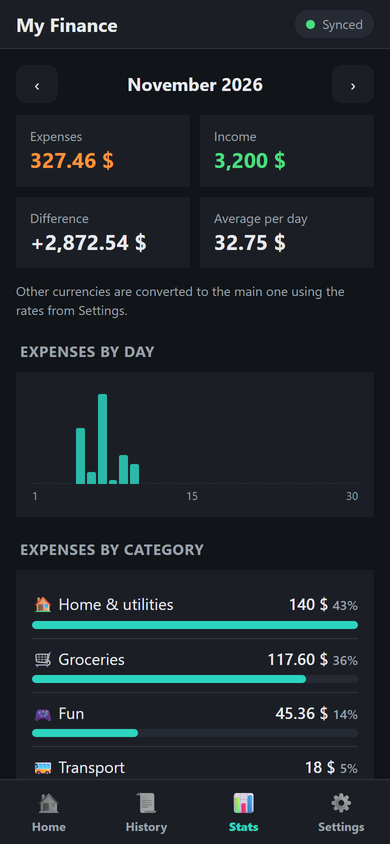
- Monthly stats: expenses by day and by category, compared with the previous month.
- Phone works offline. The app installs to the home screen and runs without internet. When the phone sees the PC on your home WiFi, changes sync on their own.
- Backups: the server keeps a daily copy of the database, and Settings can export everything as JSON.
- English and Ukrainian.
How to run it
- You need Windows and Python 3.10+. Tick "Add python.exe to PATH" during setup.
- Unzip the archive and run
start.bat. It installs the one required library and opens the app in your browser. - To connect your phone, open
http://localhost:8080/setupon the PC and scan the QR code. The page walks you through the rest.
How it's made
A Python server stores records in SQLite. The client is a web app (PWA) with no frameworks: data lives in the phone's browser, and it syncs with the PC over HTTPS using a certificate created on your own PC.